

Control screen
Run draws, prizes and winning cards like a pro. Focus on the show.
- Draws and steps in real time
- Prizes and winning cards at your fingertips
- Built for game-day hosting
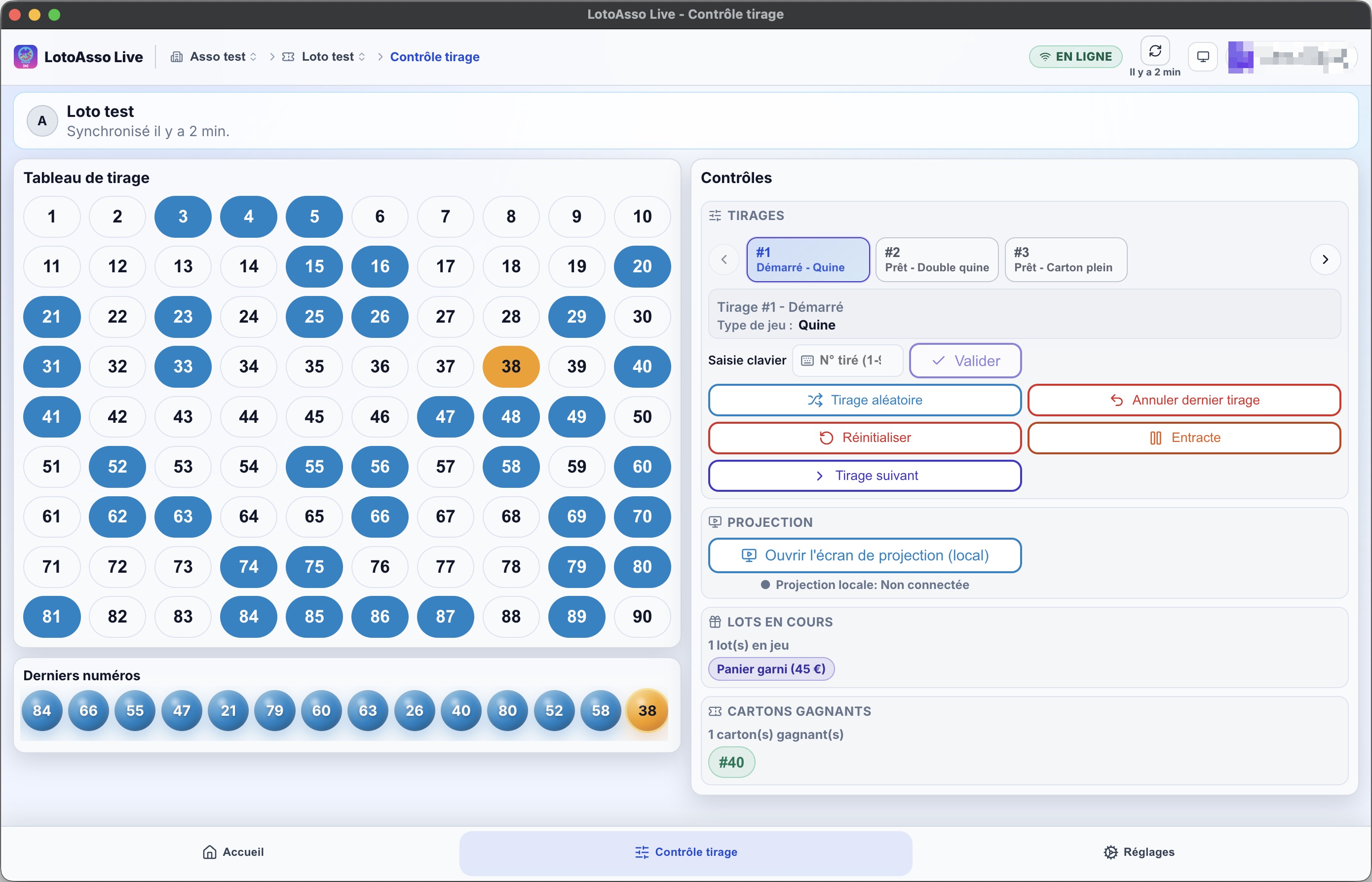
Run game day with ease: control and projection in the room, stress-free.
Try Live in the browser or install it on your PC
Available in the browser, on Windows and macOS. Free.
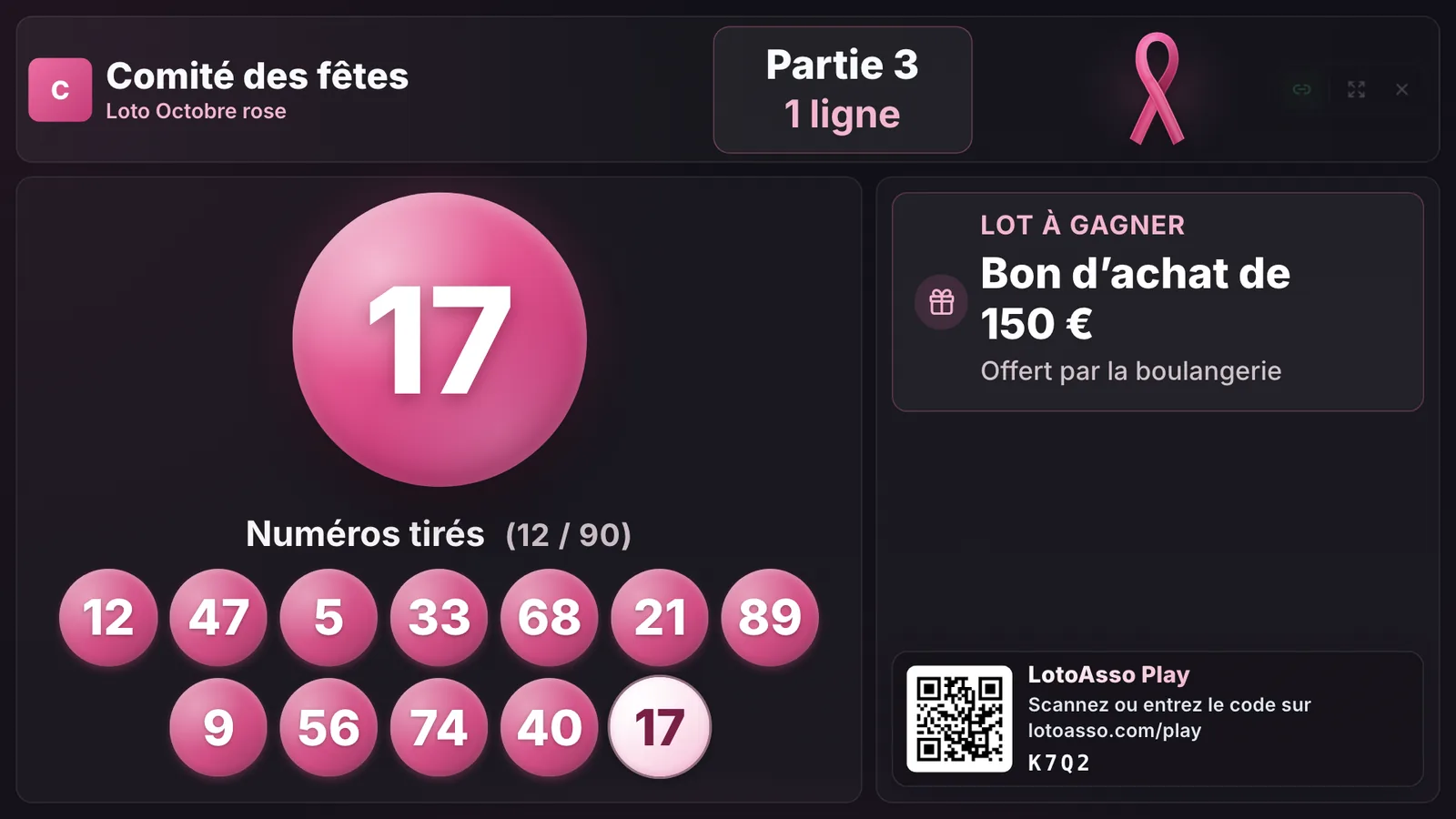
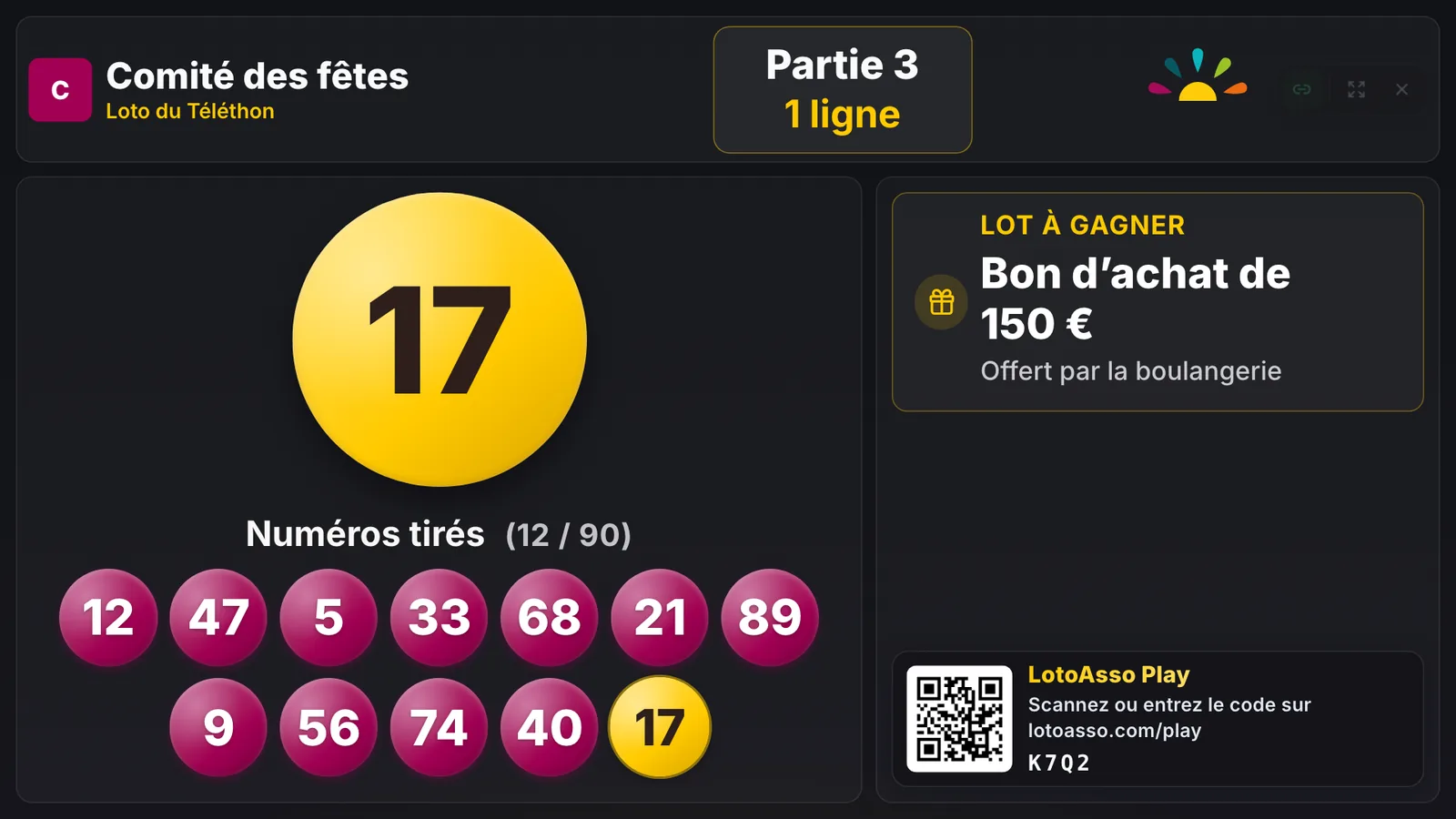
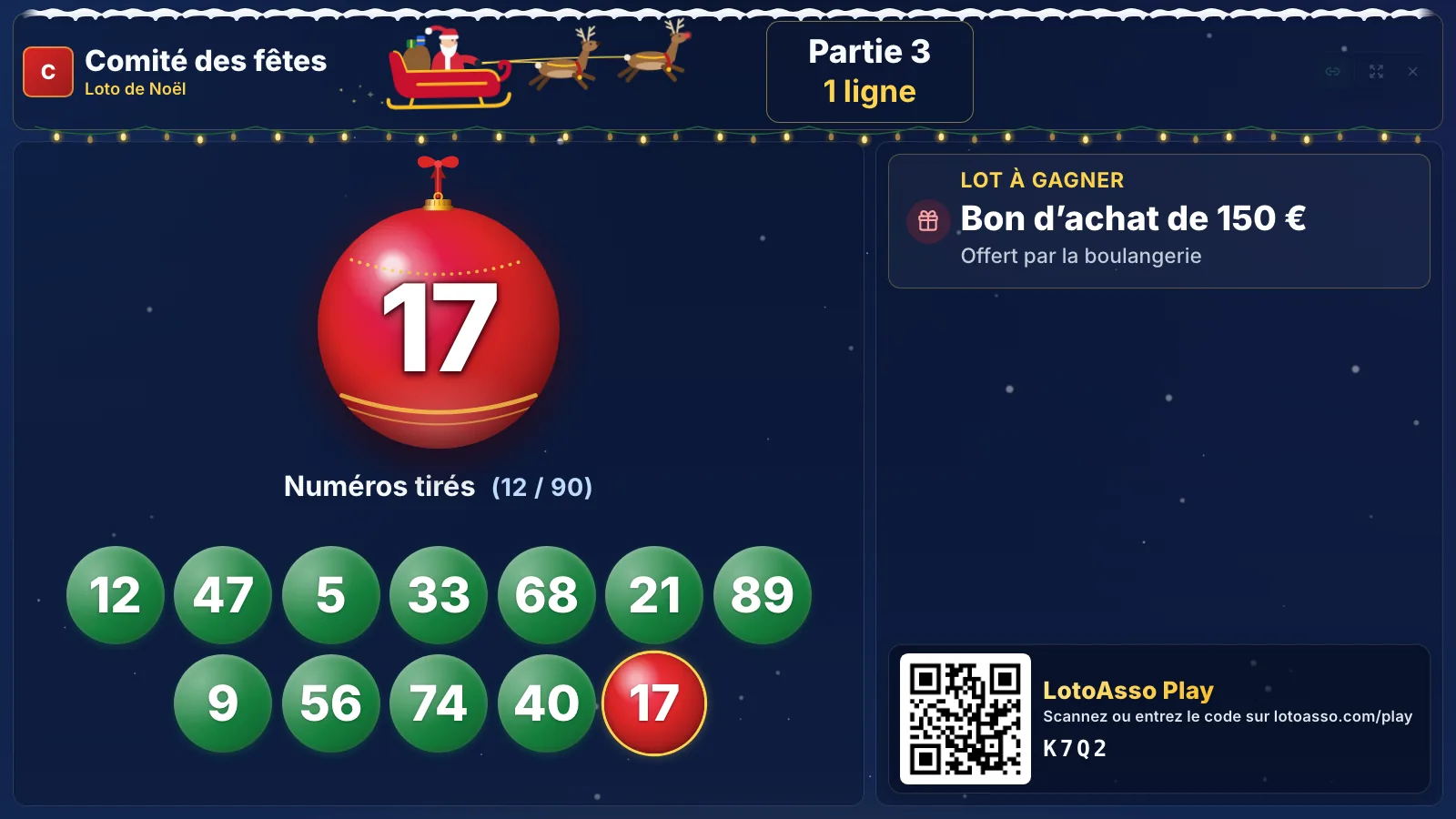
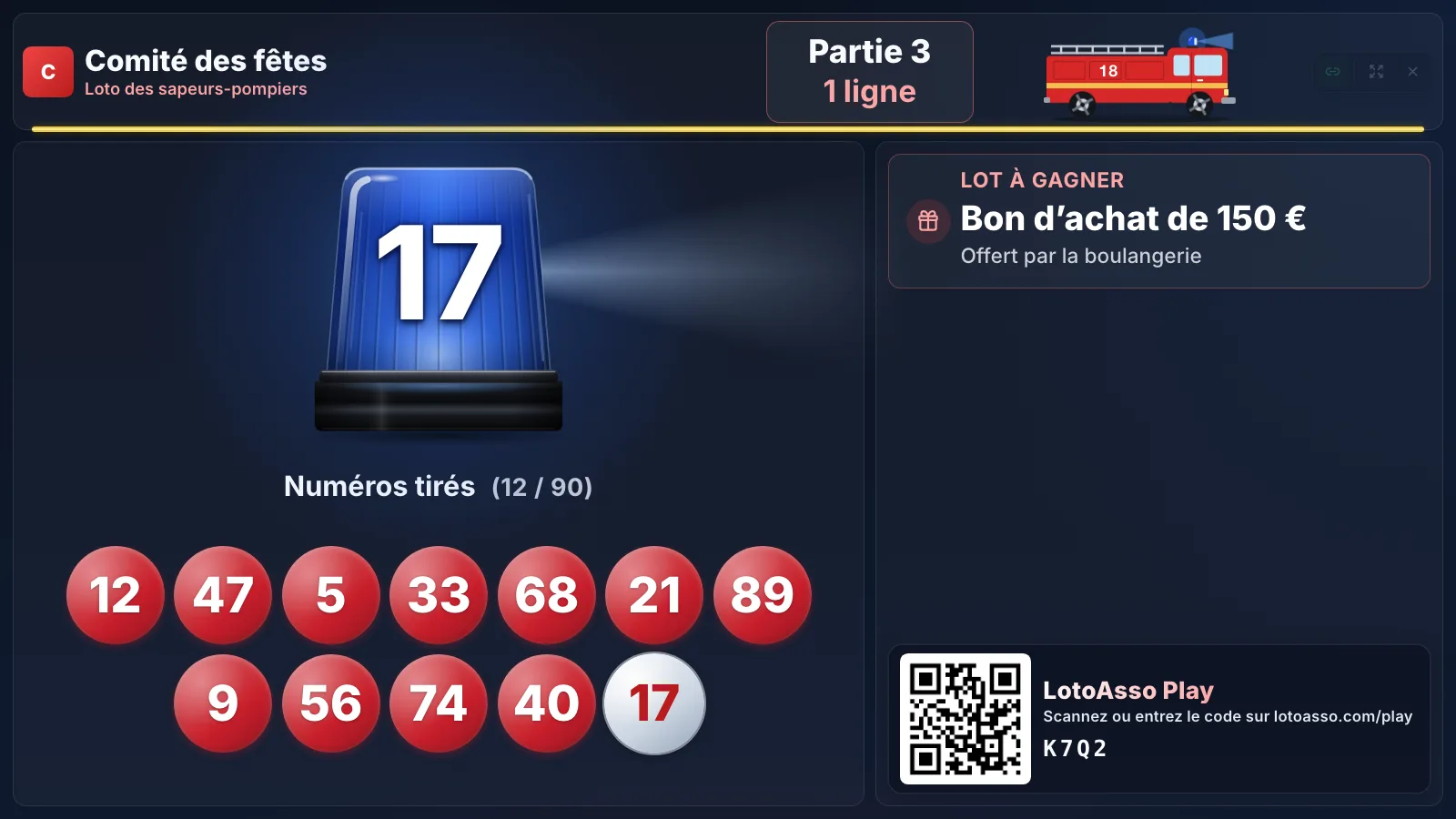
Halloween loto, Pink October loto, loto in aid of the Telethon, Christmas loto, firefighters’ association loto… Dress up the projection screen to match what your loto is for, in one click.
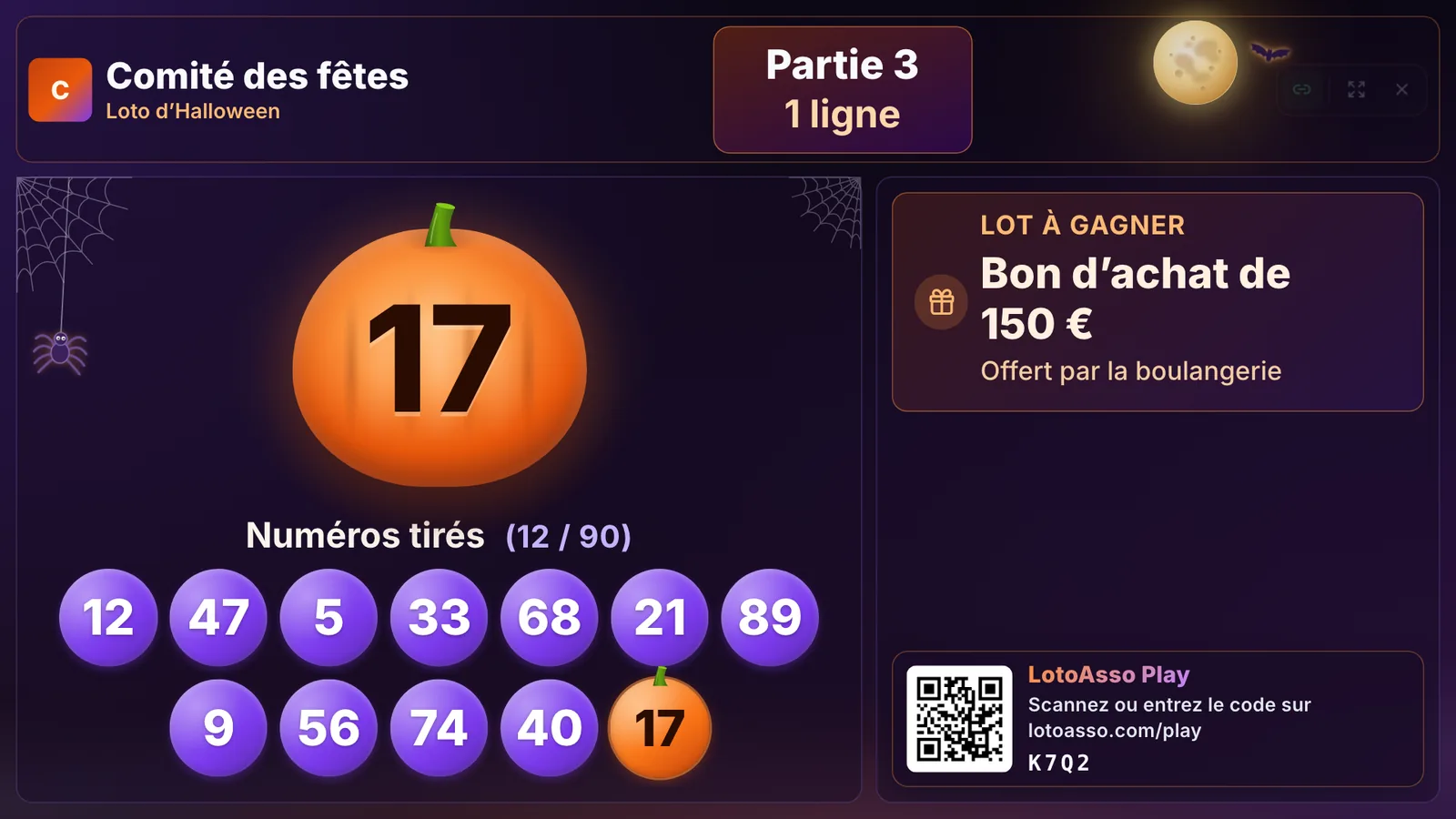
Theme 1 of 6 : For your Halloween lotos
The last number comes out on a pumpkin, under the moon and bats, with cobwebs in the corners.
Run draws, prizes and winning cards like a pro. Focus on the show.
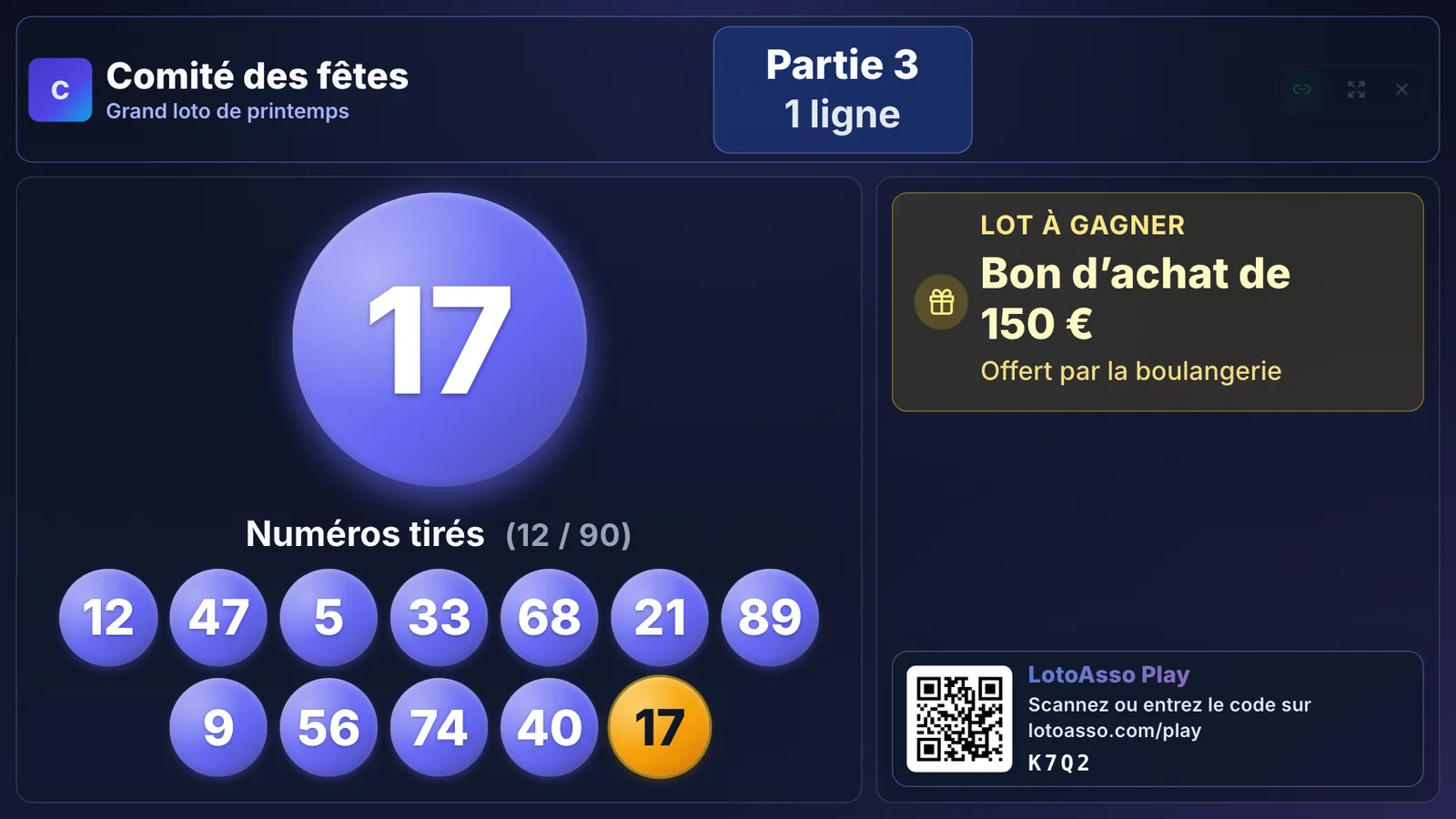
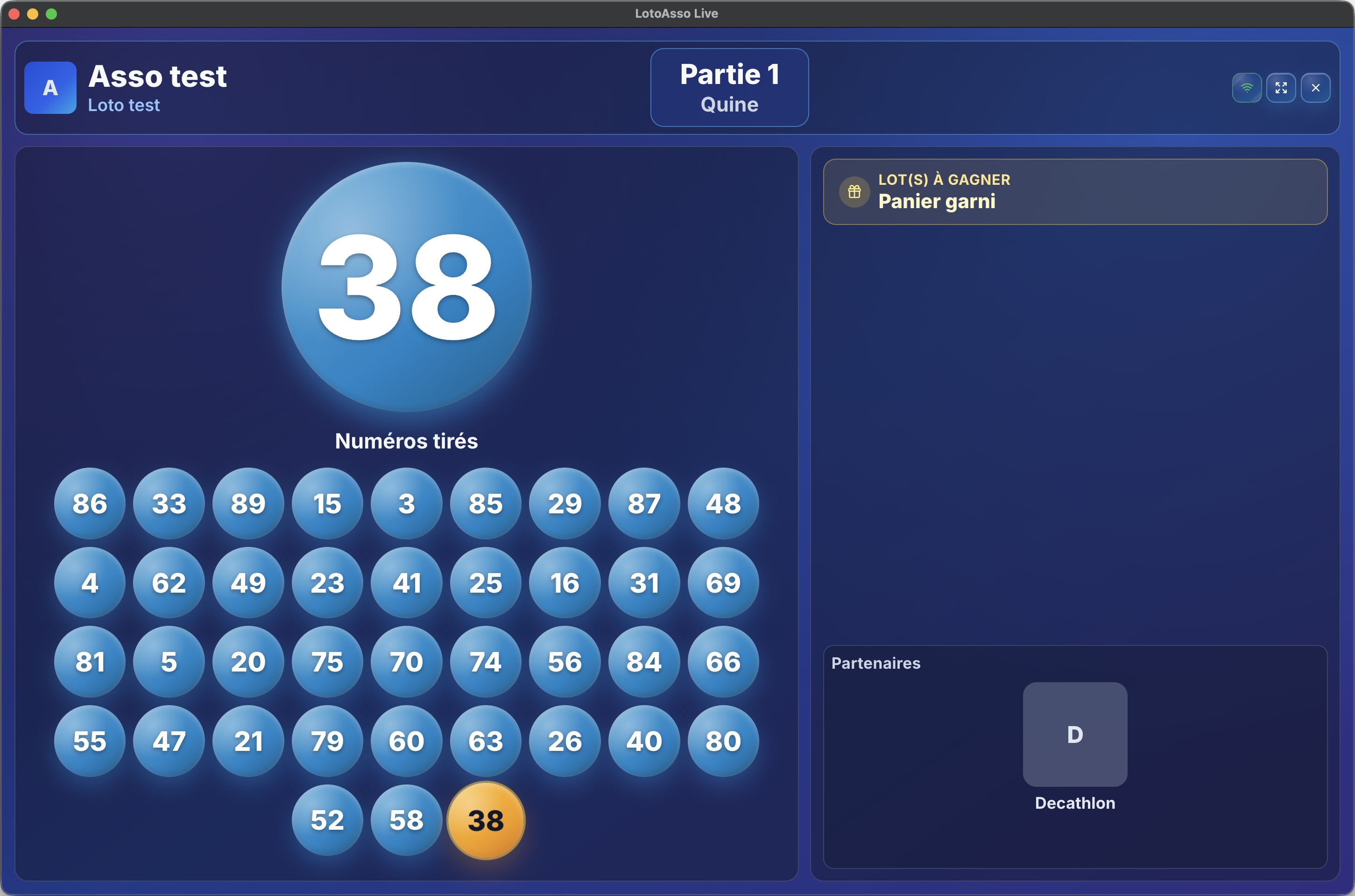
Show the room everything that matters on a projector or second screen.
Every drawn number is spoken out loud. Pick the language for the loto and the voice that hosts the room.
Listen to 5 randomly drawn numbers.
Tune Live to your liking: look, animation options and display preferences.
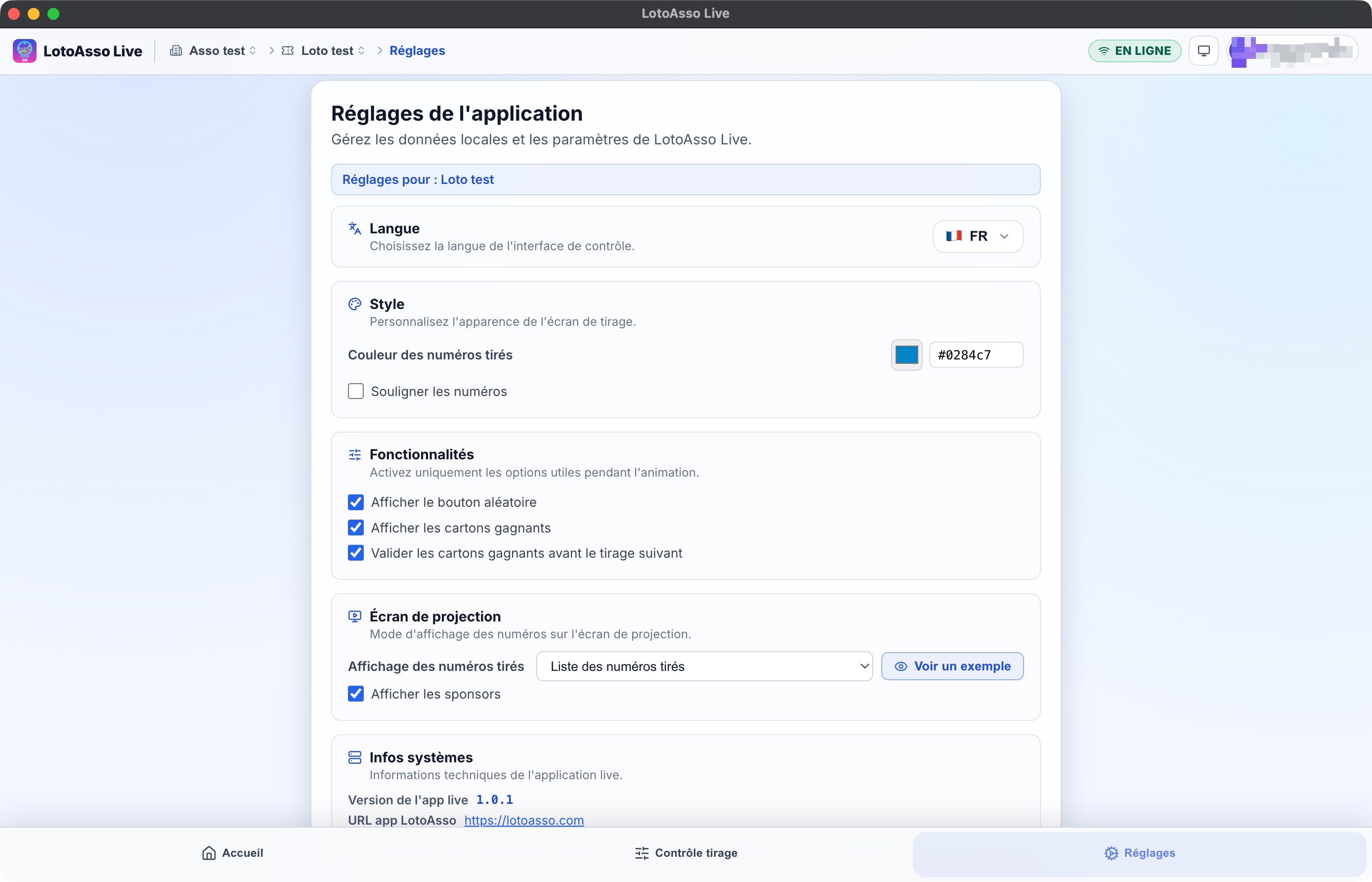
Live syncs with your LotoAsso account to pull cards, prizes and games — and keeps working offline on game day, even without a connection.
LotoAsso Live is LotoAsso's draw software, free and included in every plan. It installs on Windows 10 / 11 (Microsoft Store) and macOS; a web version works as a fallback on other computers. During the loto, it opens two screens: • the host's control screen: draw, game sequence, checking and recording wins; • the projection screen for the hall (TV or projector): latest numbers, board, prizes in play and sponsors. You can keep your ball cage and click each number as it comes out, or let Live draw at random. Every number is announced out loud and winning cards are detected automatically. Trial mode lets you rehearse the day before with your real loto, without sending anything to the portal or to players.
Yes. The software is free for every association and included in every plan: all you need is a LotoAsso account linked to the association. On the Free plan, it runs the year's active loto; for another loto in the same year, the association buys a Loto Pass (€14.90, one-time payment) or upgrades to Pro.
Connect the TV or projector to the computer (HDMI, or a USB-C adapter), then switch to extended display rather than mirroring: on Windows, press Windows + P, then “Extend”; on a Mac, go to System Settings › Displays. Then open the projection screen in Live: it fills the TV while the control screen stays on the computer, so the hall sees neither your buttons nor your mouse. The help center walks through each step with screenshots.
With each number drawn, Live checks the cards sold. As soon as a card completes the current stage (1 line, 2 lines or full house), its grid is shown: the caller compares it with the player's paper card, ticks the prize and records the win. If there are several winners, Live lists them all; the association breaks the tie according to its rules.
Yes. In Live's settings, choose a male or female voice and try it before the loto; voice calling can also be turned off. The voice follows the interface language, French or English. Connect a speaker or the hall's sound system to the computer.
Yes, with the LotoAsso Live desktop app. You just need to have opened the loto once online on the loto computer (the day before, for example). After that, with no network: • the draw, the board and voice announcements work; • the projection screen works; • winning cards are still detected; • drawn numbers and wins are kept in memory, then sent to the portal automatically as soon as the connection is back. Only players following on LotoAsso Play stop receiving numbers during the outage. The web version of Live needs internet: for a hall with poor coverage, use the desktop app.
Yes, in two ways: • add them to the portal as third-party cards: with the keyboard, by photographing them with a phone (Loto Pass or Pro plan) or from an Excel file. Once sold, LotoAsso Live detects and checks the winners automatically; • or keep your paper cards as they are: in LotoAsso Live, the host checks the card and records the win using the card's number. For players, LotoAsso Play works with any paper card: just take a photo or type in its numbers.