

Ultra-fast QR scanning
Scan tickets on a phone or tablet for a smooth welcome, even at peak times.
Scan tickets at the door and speed up check-in for your loto
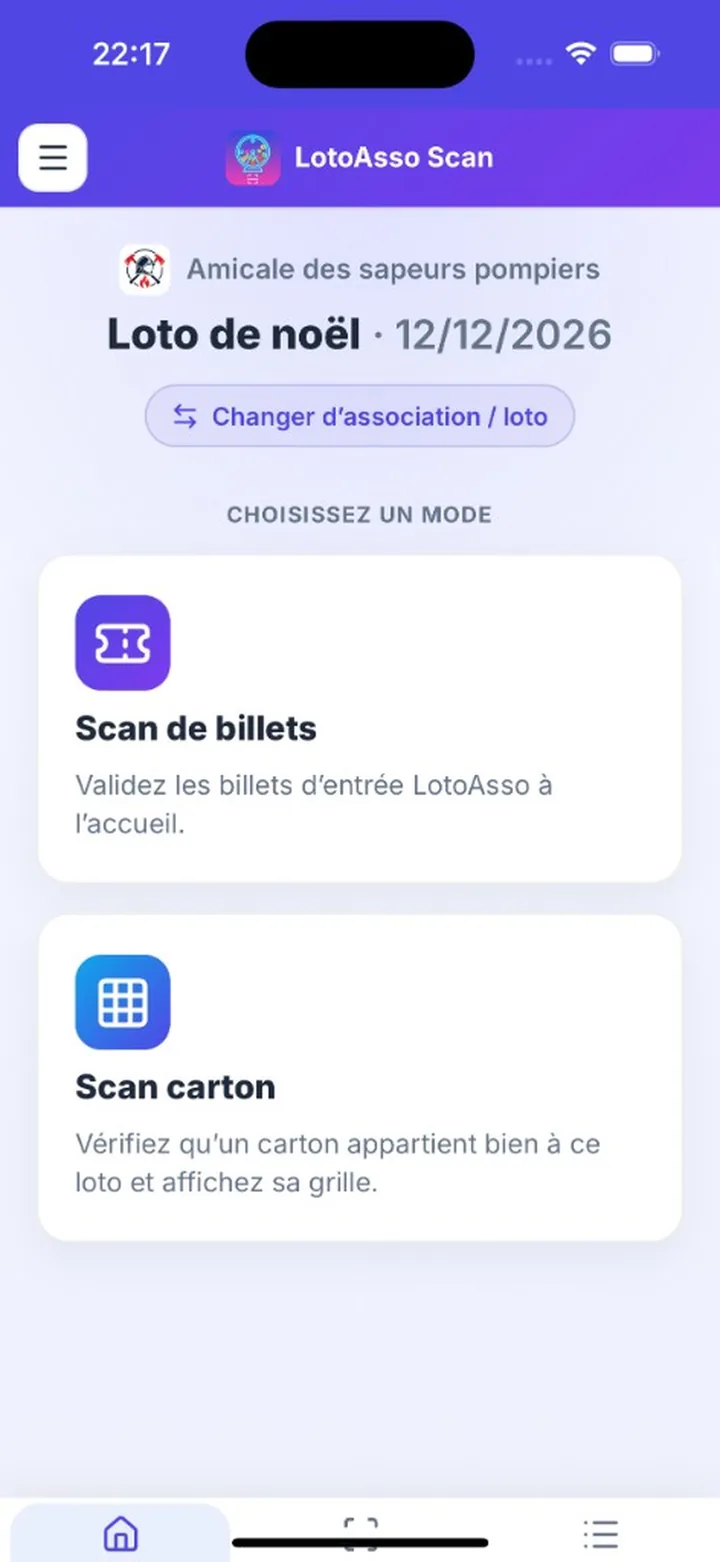
Open the app on your smartphone
Scan tickets on a phone or tablet for a smooth welcome, even at peak times.
See at a glance the cards tied to each booking and distribute them quickly.
With card scan, you can verify the authenticity of LotoAsso cards.
Follow entry stats in real time and keep control of your venue.
Keep scanning without a network — sync resumes as soon as you’re back online.
No app store needed: open it in the browser, with automatic updates.
Open the app to scan tickets, or share the link with your welcome team.